Create scroll-stopping stories with AI
Generate as much as you need on your own AI key. Pay per generation, never in credits that expire.
7-day free trial. Cancel any time.


 Runway
 Nano Banana
 Kling
Kling GPT Image
 Seedance
 ElevenLabs
 Wan
Wan
Creative Hub
One-click tools for looks that are hard to prompt. Pick one and create.
- Cinema StudioMake images and videos with any model. Add real camera and lens looks when you want them.

- CharacterPick a face, body and style. Get a new influencer character in one click.
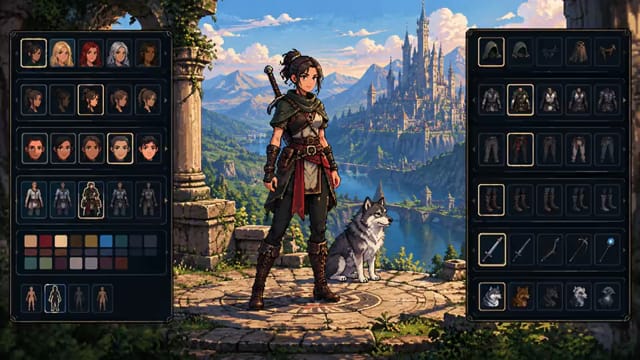
- Body SwapYour character acts out any video. Same moves, new person.
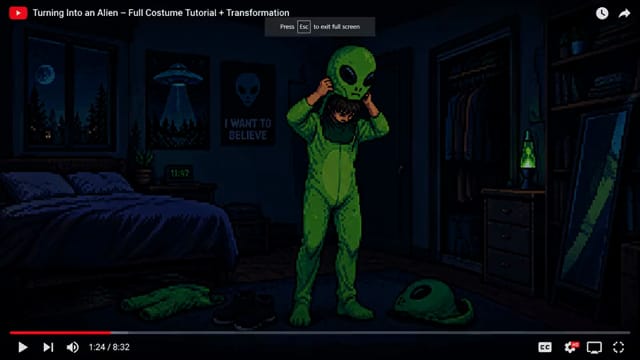
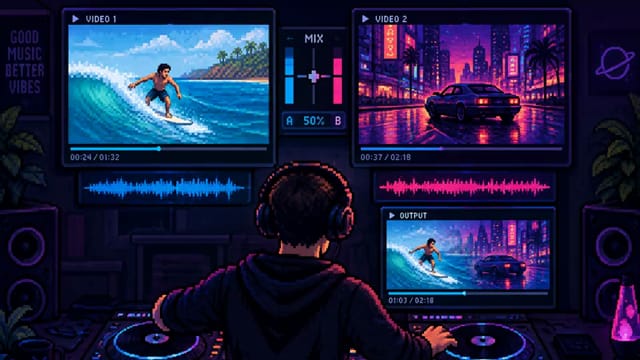
- Video RemixRebuild any video with your characters, or swap in your product.
- Camera ShotsPush-ins, orbits, crash zooms and more. One click, a moving shot.

- Marketing StudioDrop in your product, write the script. Get a ready-to-post ad.

- Layers StudioSplit any image into see-through layers. Keep just the parts you need.
Free to use
We don’t charge for the Creative Hub. All you need is an Atlas Cloud API key. Automated workflows come with a subscription.
Start for free


- Trigger (opens in a new tab)
- LLM (opens in a new tab)
- Agent (opens in a new tab)
- Screenwriter (opens in a new tab)
- Image Generation (opens in a new tab)
- Video Generation (opens in a new tab)
- Voice Generation (opens in a new tab)
- Lipsync (opens in a new tab)
- Compose (opens in a new tab)
- Replace Background (opens in a new tab)
- Split Screen (opens in a new tab)
- Upscaler (opens in a new tab)
- Depth Map Extractor (opens in a new tab)
- Sequence (opens in a new tab)
- Router (opens in a new tab)
- Media Library (opens in a new tab)
- Influencer (opens in a new tab)
- Text (opens in a new tab)
- Shots (opens in a new tab)
- Camera Moves (opens in a new tab)
- Output (opens in a new tab)
- Comment (opens in a new tab)
Everything, in one place.
Image, video, voice, B-roll and the final cut. Every step of your video in one canvas, on the models you pick.


Edit it yourself, right here.
Send any run straight to a full video editor. Trim the clips, fix the pacing, add text, and grade the picture. It runs in your browser on your own machine, so editing never uses a run.

Your AI budget doesn't expire.
You connect your own API key and pay your provider per generation. There's no credit pack to use up before the month ends. What you don't generate, you don't pay for.
Runs aren't credits. A run is one trip through your setup. Plans include 500 to 4,000 a month, and testing a block is free.
Creating shouldn't mean starting over.
No more rebuilding prompts, switching between AI tools, or repeating the same creative process. Build once, then let every workflow become the starting point for your next story.
Build it once
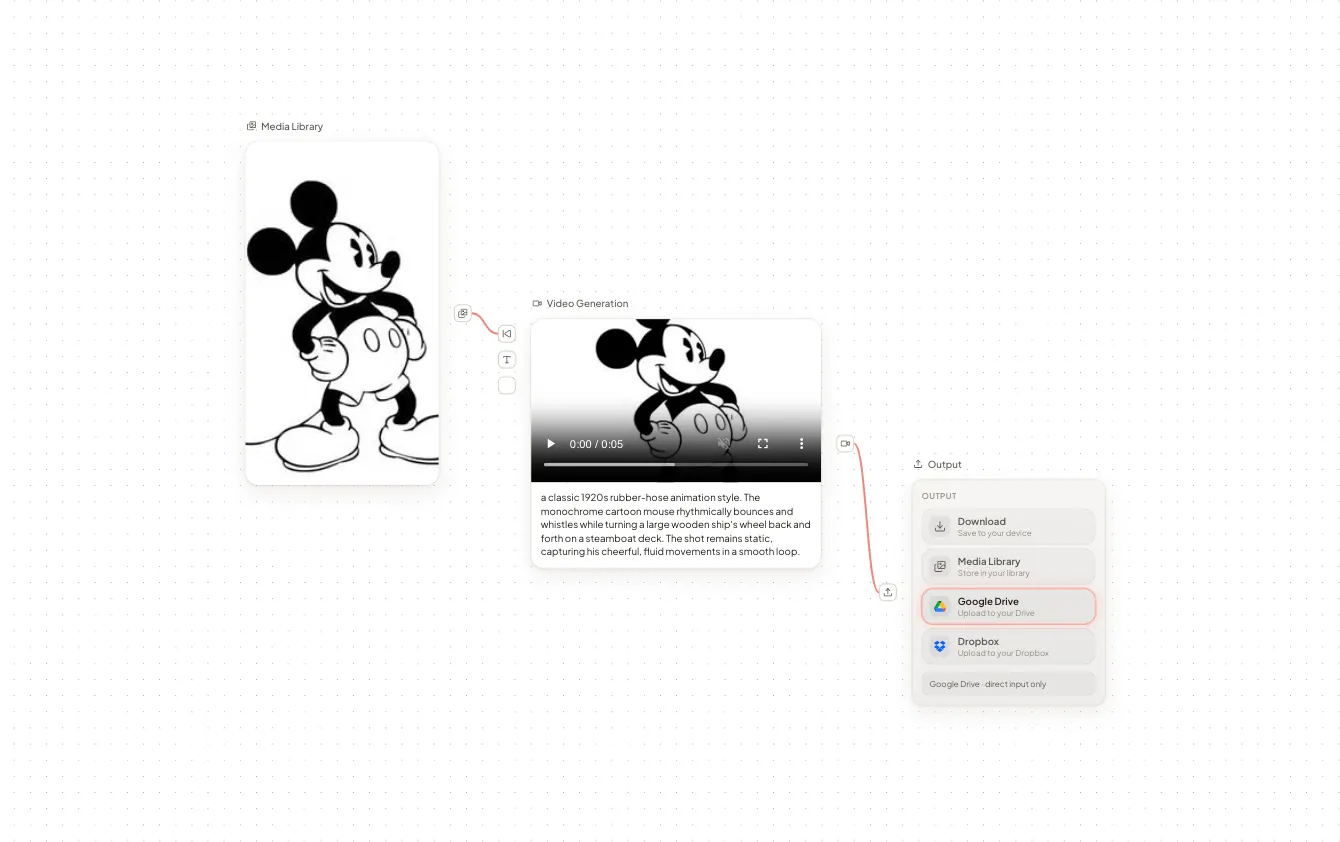
Create a reusable workflow once, then run it again whenever inspiration strikes.
Be efficient

Switch between the AI models you already pay for with one toggle and see your exact costs in your dashboard.
Stay on-brand
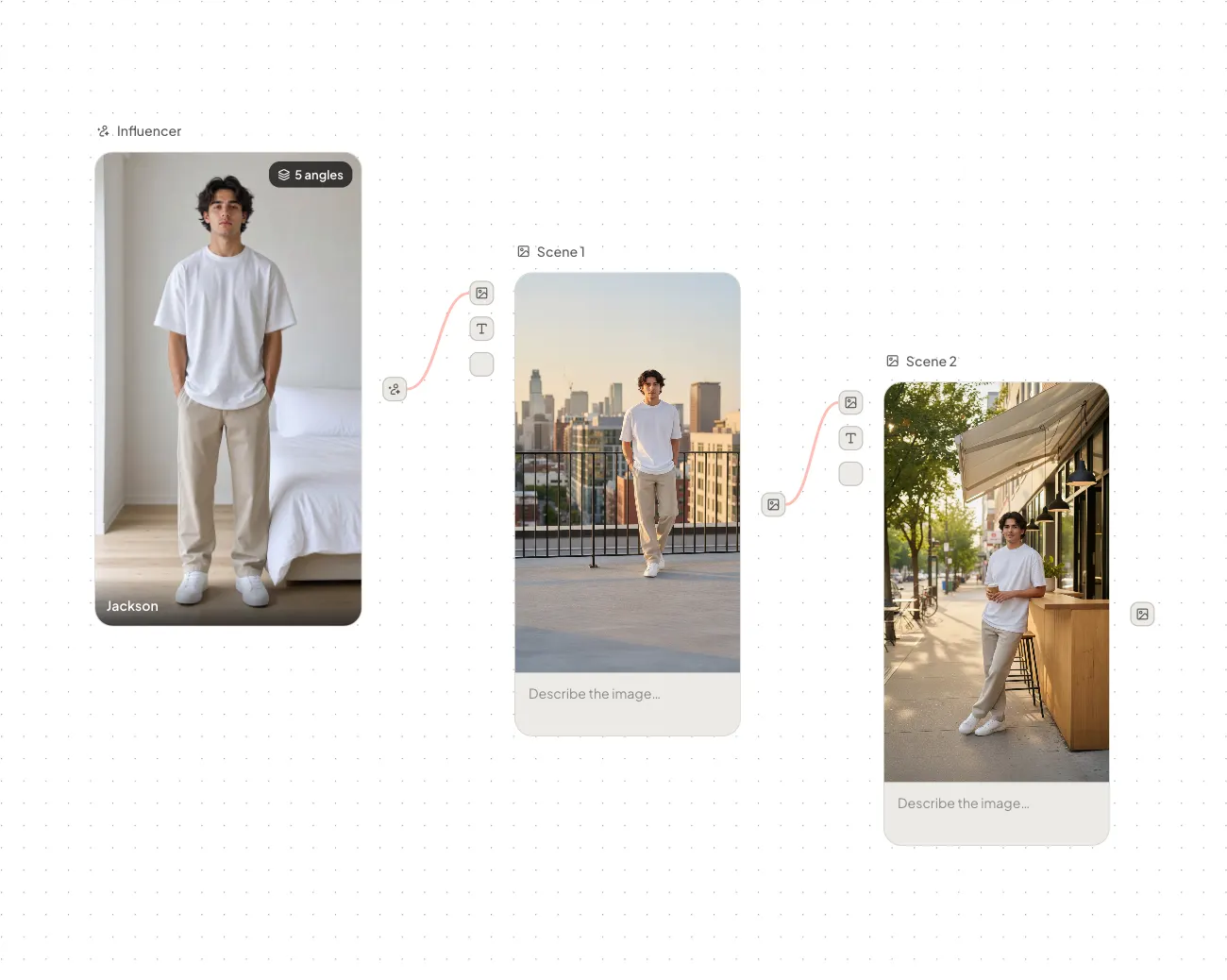
Keep your characters, styles, prompts, and creative direction intact. Even across multiple generations.
Own your creative stack
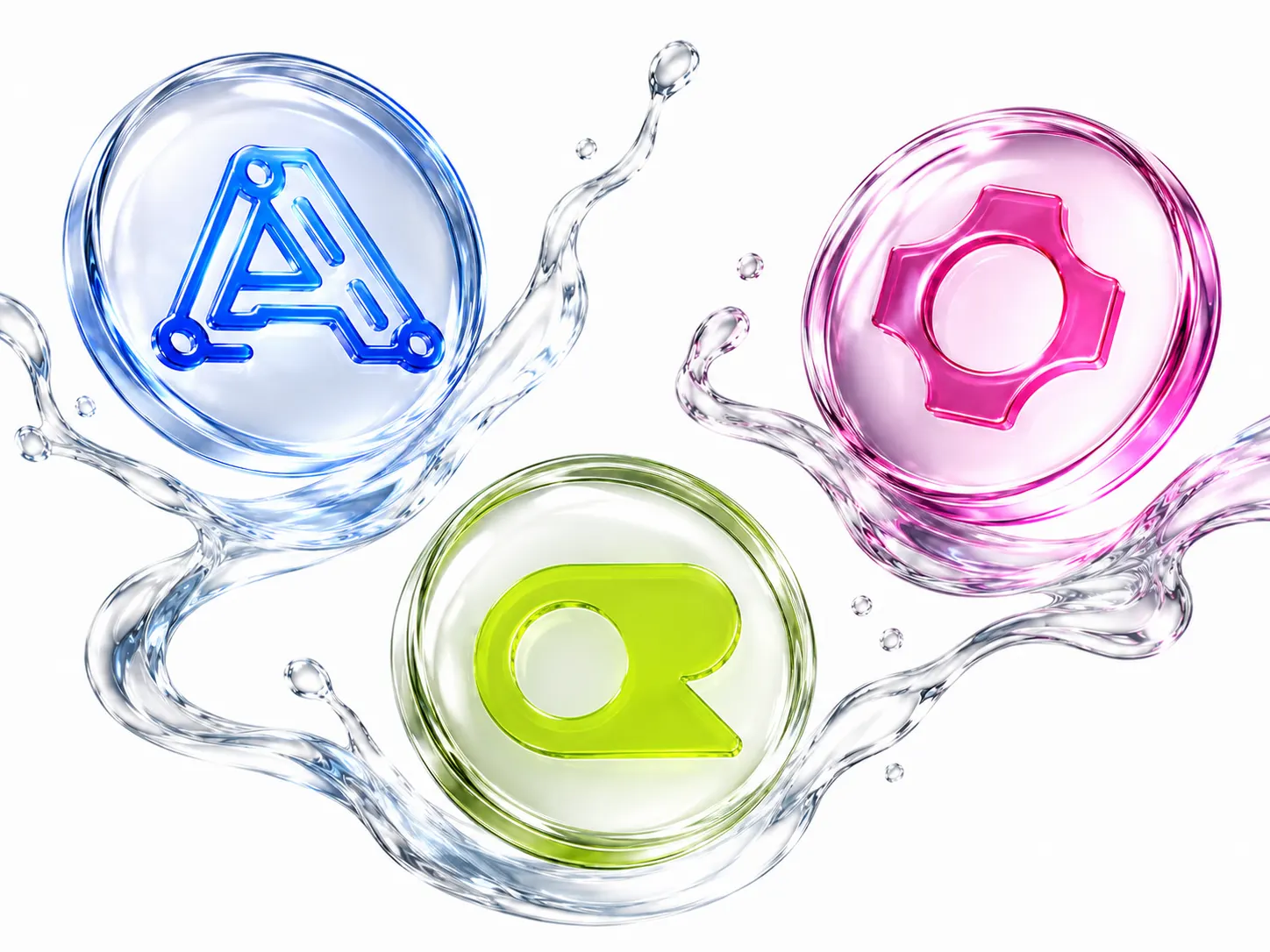
Connect AI models from Atlas Cloud using your own API key in three simple steps.


Connect with MCP
Bring your favorite AI apps into the same workflow with MCP. They can edit for you too: put the clips in order, lay a voiceover on top and time the B-roll to it. Everything works together from one place.
Set your workflows on a schedule and get fresh, ready-to-publish content on autopilot.

Questions, answered.
What is 60 Minute Creator?
A visual workflow builder for AI content. You connect blocks like image, video, and voice on a canvas, press Run, and get finished content. Build a workflow once, then reuse it every time you want a new post, episode, or video.
Do I need to know how to code?
No. Everything happens on a visual canvas: drag blocks in, connect them, and press Run. No code and no scripts.
What is BYOK?
BYOK means bring your own key. Instead of buying credits from us, you connect your own Atlas Cloud API key. Every generation runs on your key, and Atlas Cloud bills you directly at their normal price. We never mark it up.
Do you train AI models on my content?
No. We don't have our own AI models, so your content is never used for training and never sold. Your generations run through your own provider account, under the terms you agreed with them.
Can I use what I make commercially?
Yes. Everything you create is yours to use, including for paid work and client projects. We claim no rights to it. Each AI provider has its own terms for what its models make, so check the ones you connect.
Where do I get my API keys?
From Atlas Cloud. Create an account there and top up your balance, because Atlas Cloud runs nothing on an empty account. Then copy your key from their dashboard and paste it into Settings under API Keys.
Which AI models can I use?
Image, video, voice, lipsync, and text models from Atlas Cloud. You can pick a different model for every block, so each step of your workflow uses the model that fits it best.
What is a run?
A run is one full trip through your workflow, from the first block to the last. Every plan includes a monthly allowance of runs. Testing a single block or re-running part of a workflow is free, so building and tweaking never uses your allowance.
How much will this actually cost me?
Two parts: your plan and your AI usage. Plans start at $25 a month, or $20 a month billed annually. AI usage is billed by your provider at their public price, the same price you would pay using them directly, so you only pay for what you generate.
How does the free trial work?
Your first subscription starts with a 7-day free trial: every feature unlocked, with 20% of your plan's monthly runs to test with. A card is required, but nothing is charged until the trial ends, and you can cancel any time before then.
Is there a free plan?
Yes, and it needs no card. You get the Creative Hub, the Video Editor and the Influencer Studio on your own API keys, 10 GB of storage, and you can build workflows. Running workflows needs a paid plan; your first subscription starts with a 7-day free trial.
Which browser does the video editor need?
Chrome or Edge, version 113 or newer, with hardware acceleration switched on. The editor runs on your own computer, so editing never uses a run.
Create more. Spend less.
Build your workflow once, use your own API key, and break free from credits usage.
7-day free trial. Cancel any time.
